bHaptics Designer
Create and customize immersive haptic feedback patterns brings your content to life.
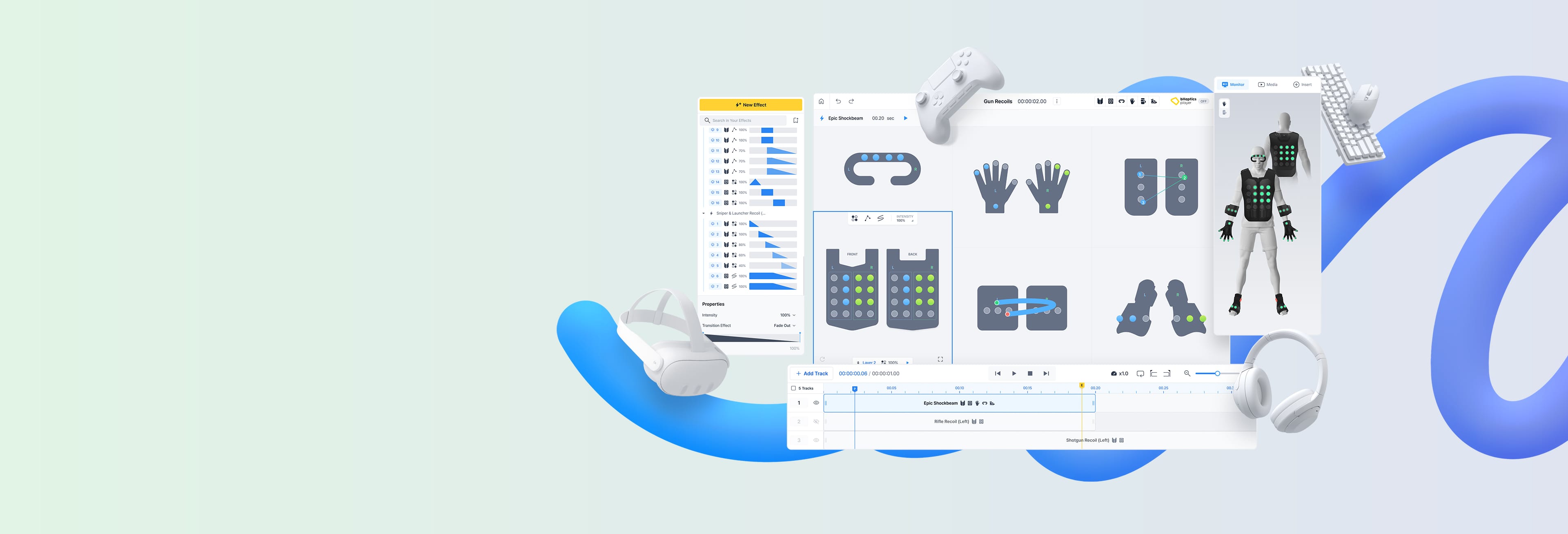
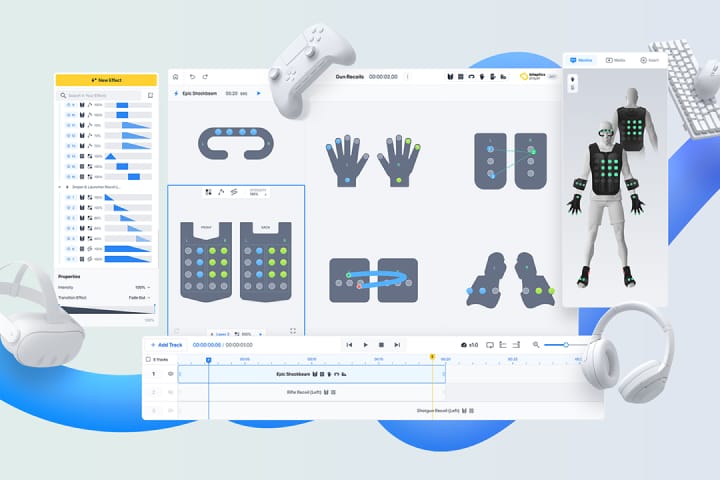
Create and customize immersive haptic feedback patterns brings your content to life.
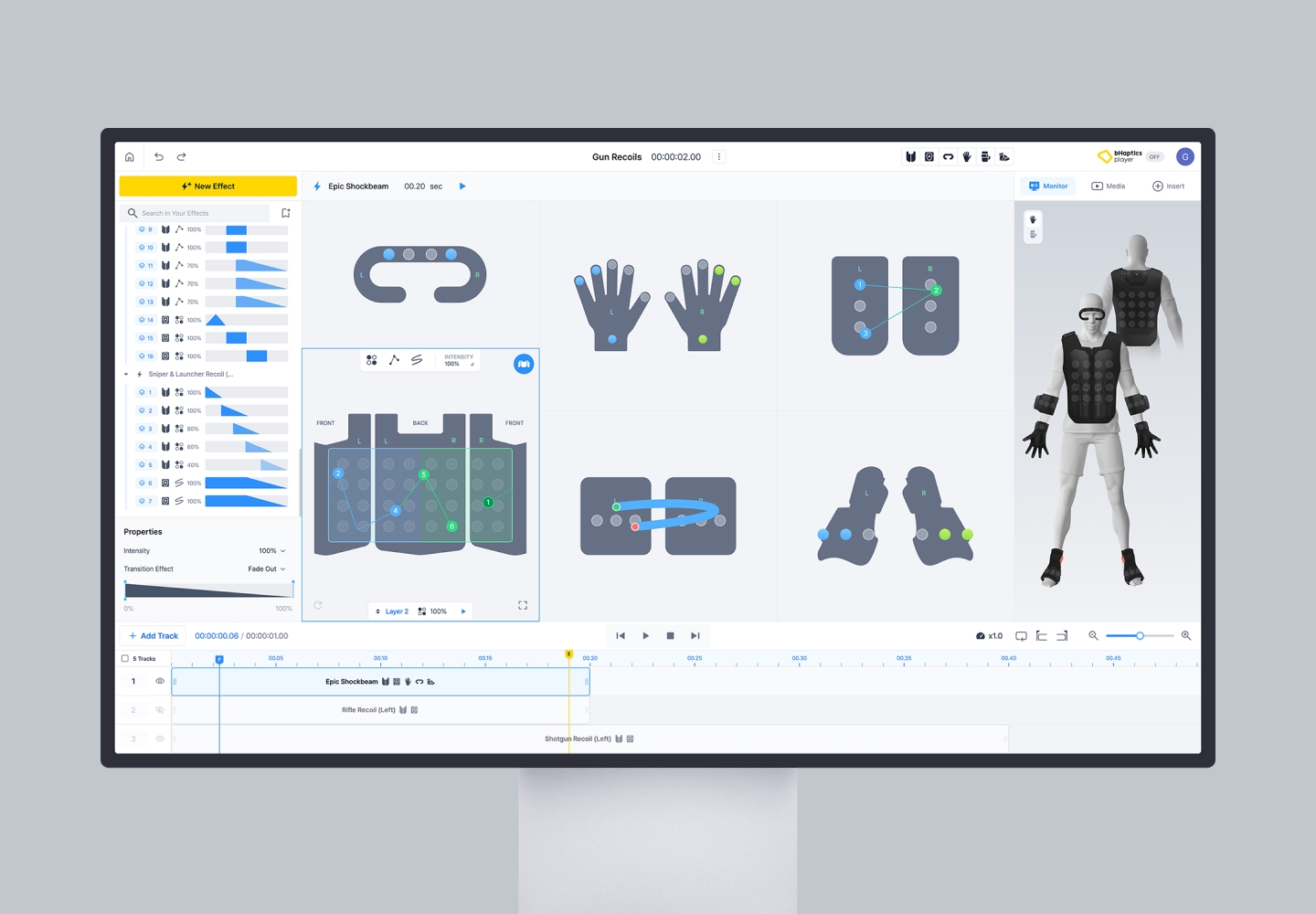
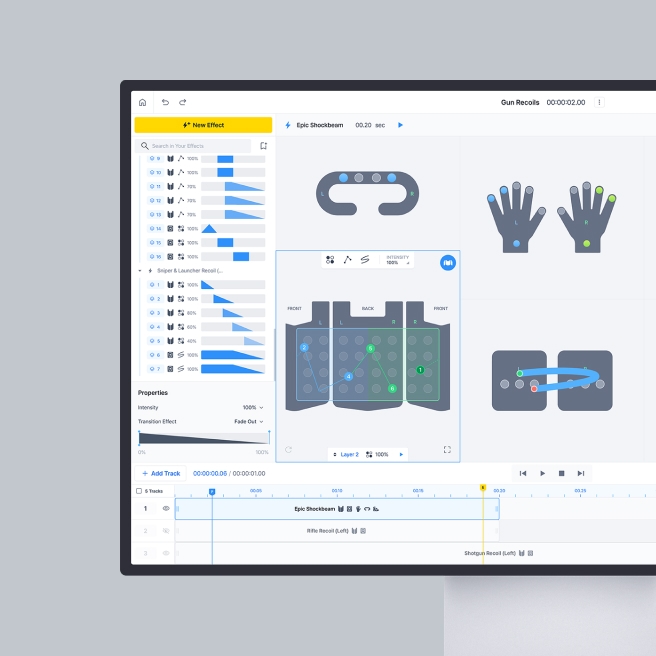
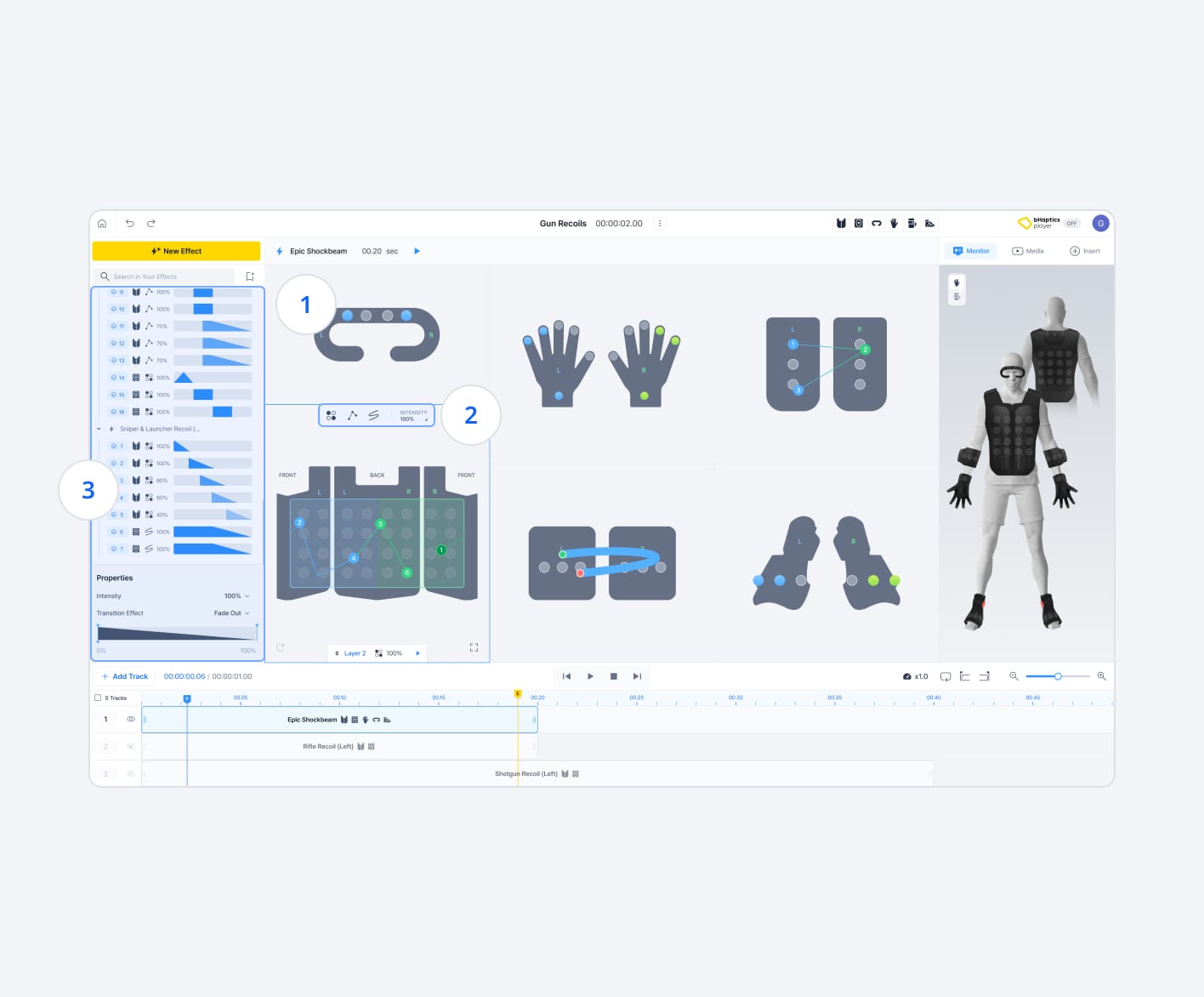
Create more complex and diverse haptic interactions by designing haptic patterns in Dot, Path, and Free-Path modes simultaneously for multiple devices.
 Create sophisticated haptic pattern across multiple devices, delivering an immersive experience for your applications.
 Provide three distinct modes(Dot, Path, and Free Path), each with unique characteristics, enabling the creation of more refined and varied sensations.
 Fine-tune each haptic effects with detailed properties such as duration, transition effects, and more, allowing for highly precise and refined haptic sensations.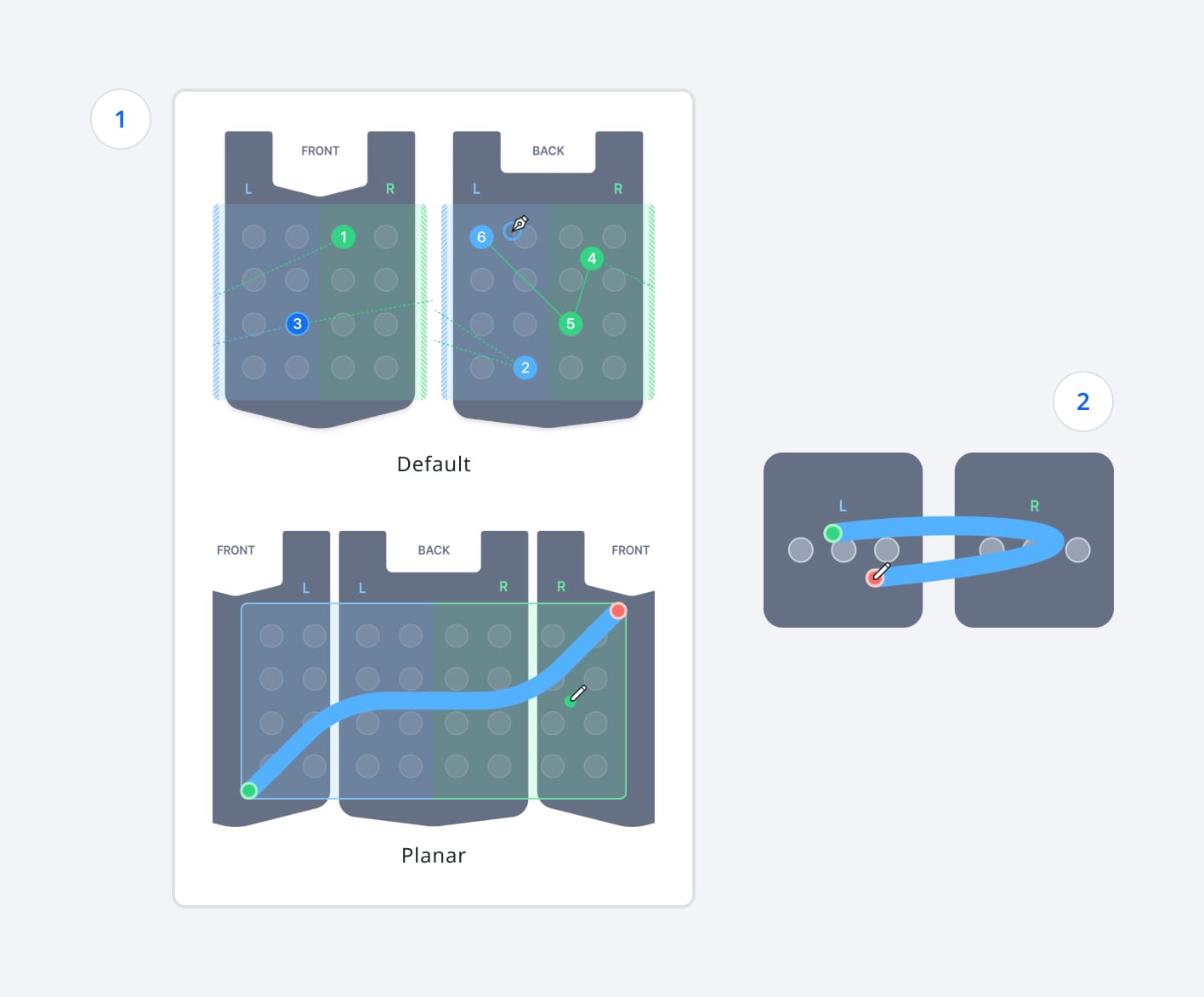
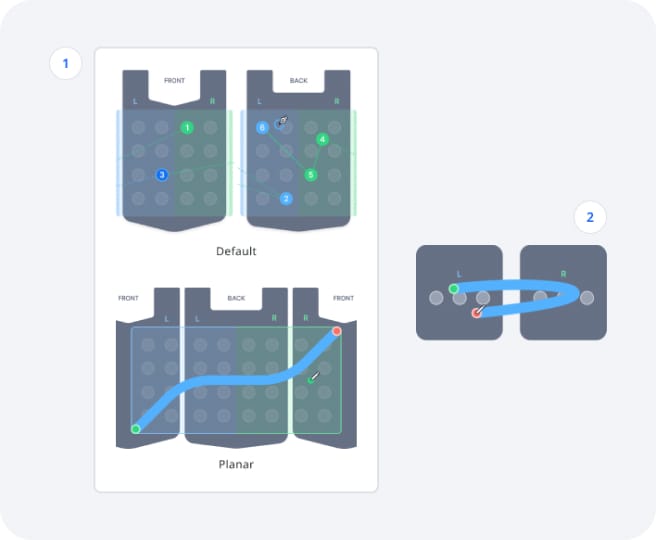
Create a 360-degree haptic pattern for TactSuit, as well as that synchronized seamlessly across left and right paired devices.
Design haptic pattern that seamlessly transition from the front to the back of TactSuit by toggling between default and planar modes.Create haptic patterns that connect left and right paired devices such as TactSleeve, TactGlove, and Tactosy for Feet which delivers cohesive haptic experience across both sides of the body.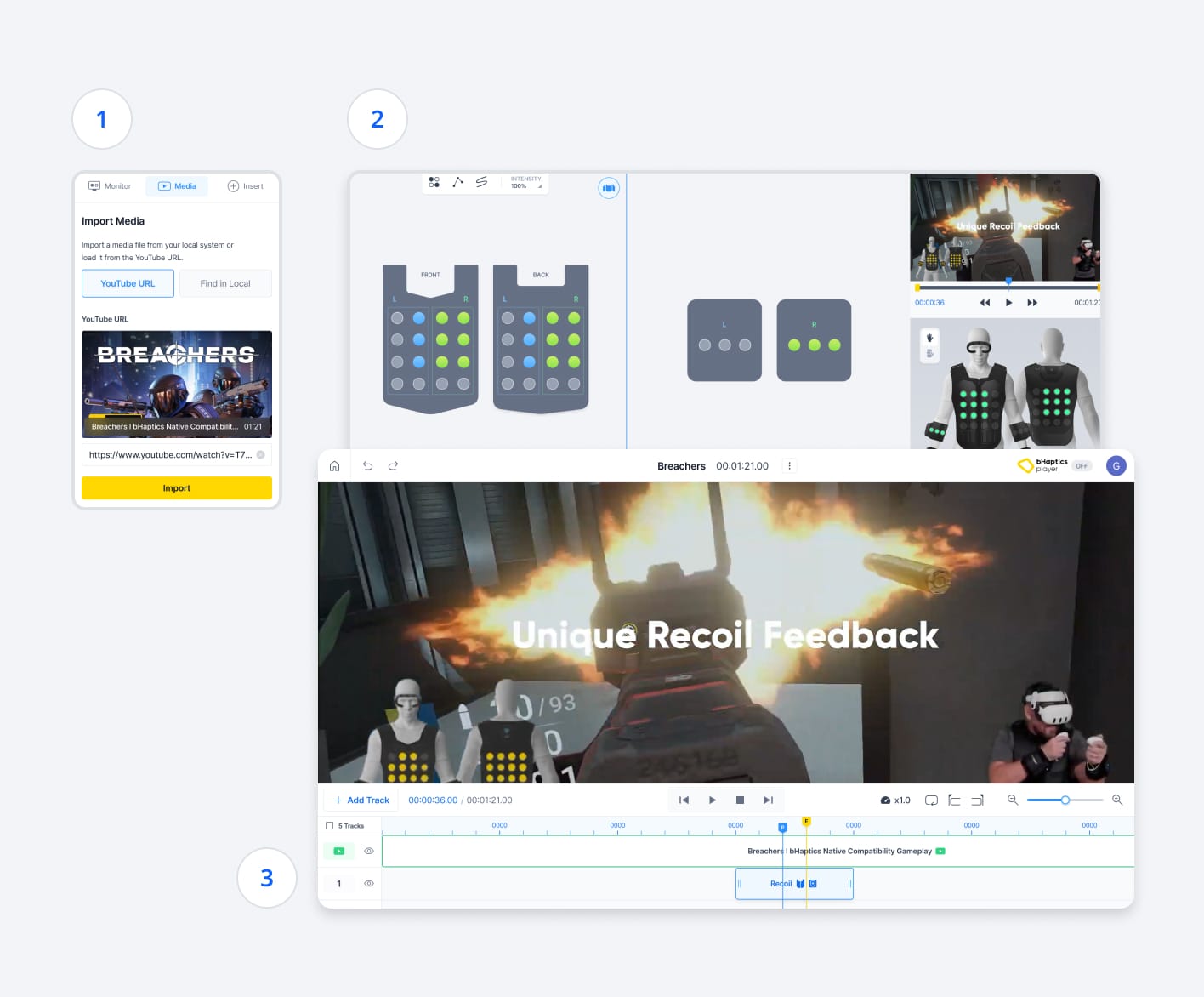
Transform your media into an immersive haptic content by designing and applying custom haptic patterns that are perfectly synchronized to the content.
Import media from online platforms or upload local media file and play it in real-time.Design custom feedback pattern that matches seamlessly with the content.Organize haptic effects on a timeline to ensure every scene delivers, and then play it together to feel the immersive haptic experience.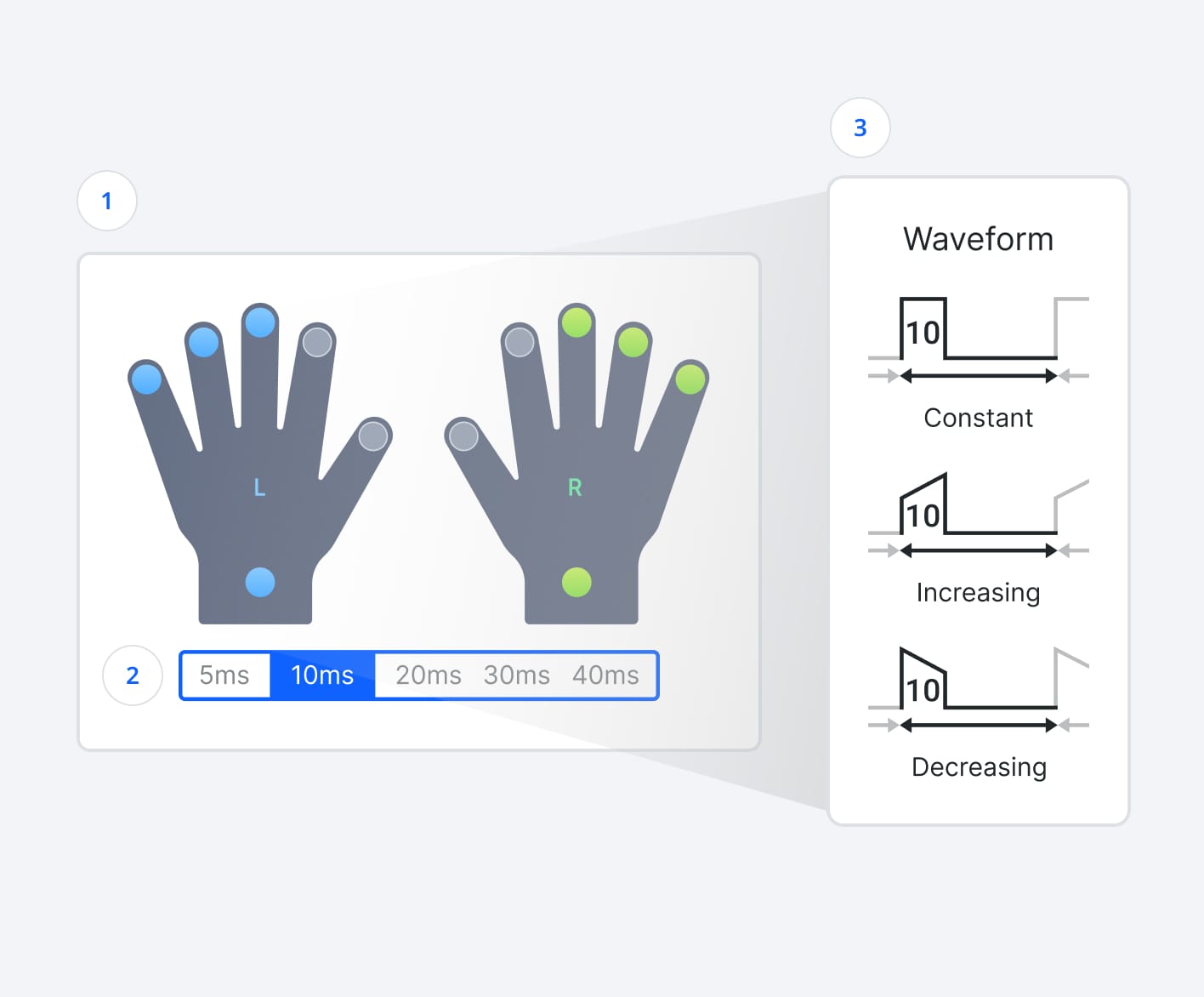
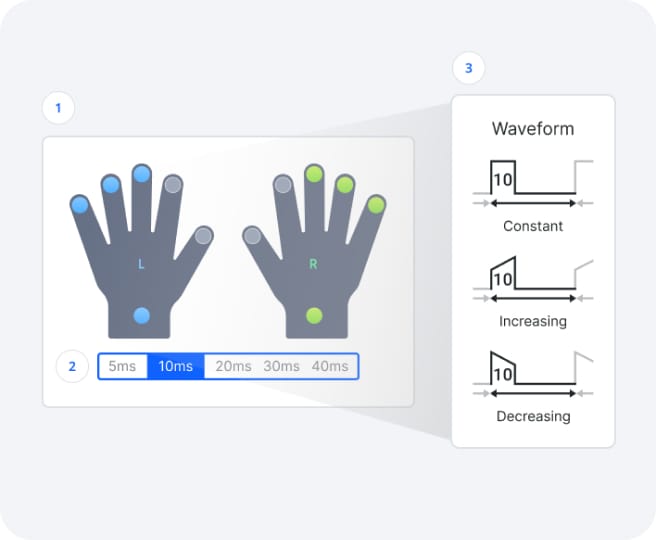
The Waveform mode allows you to create more precise and delicate haptic feedback for the TactGlove by delivering brief, pre-defined waveforms.
Choose the haptic feedback points on the TactGlove where the Waveform will be applied.Define the duration for which the Waveform will operate.Define Waveform type to determine how the feedback intensity will change over time.