Choose the Right Player for Your VR Device
Connect TactSuit and bHaptics devices with the right Player for PC VR, standalone VR, and PS VR2.


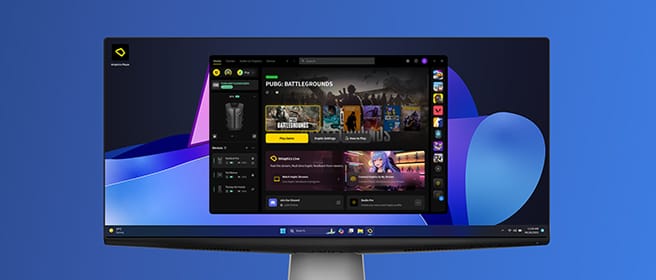
For PC VR
Connect TactSuit and bHaptics devices for SteamVR-based VR games. Manage device connection and haptic settings from your PC.

Download bHaptics Player
Download the installer for your operating system.
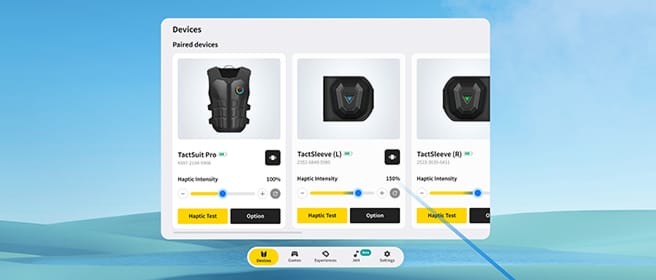
For Standalone VR
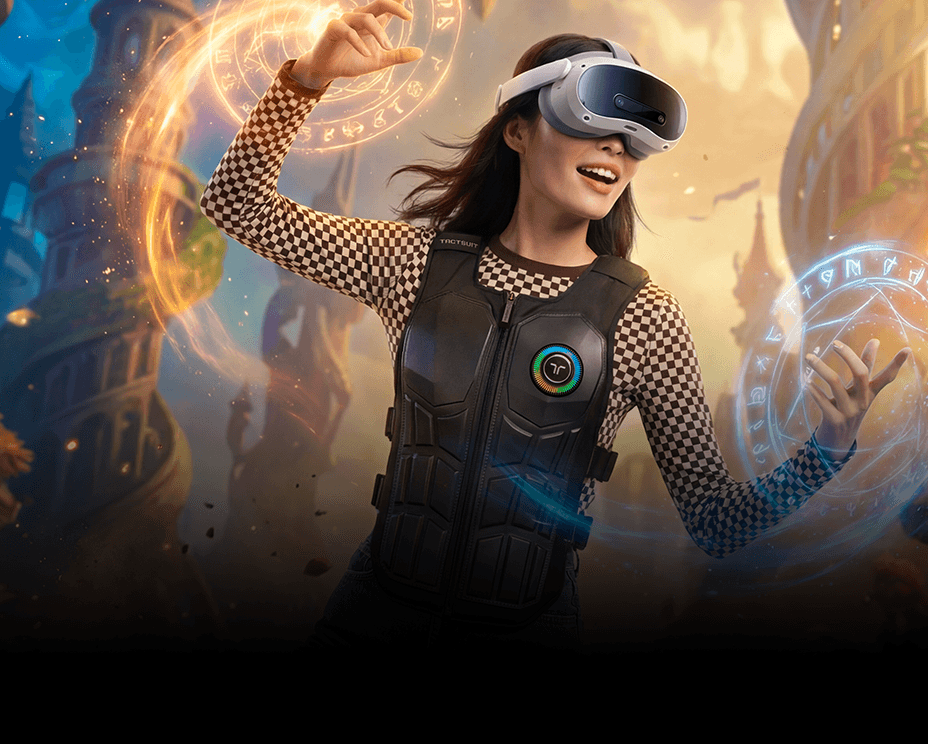
Connect bHaptics devices on Meta Quest, PICO, and HTC VIVE. Manage device connection, game discovery, and haptic settings right inside your headset.

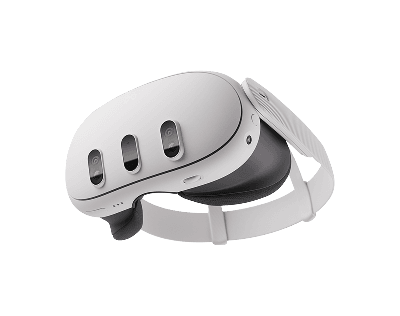
Meta Quest
Quest 2 · 3 · 3S · Pro
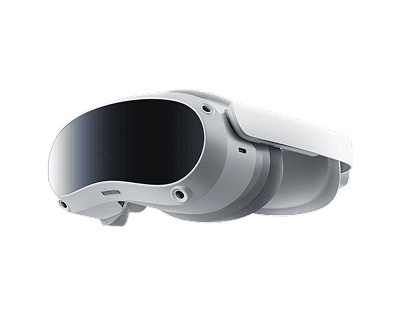
PICO
PICO 4 · 4 Pro · 4 Ultra
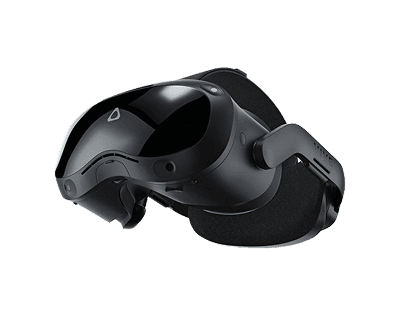
HTC VIVE
Focus 3 · XR Elite · Focus Vision
Download bHaptics Player
Download the installer for your headset model.
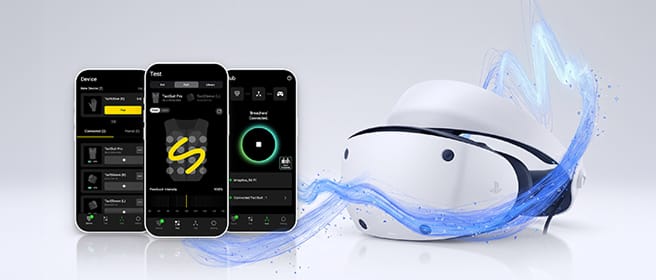
For PS VR2
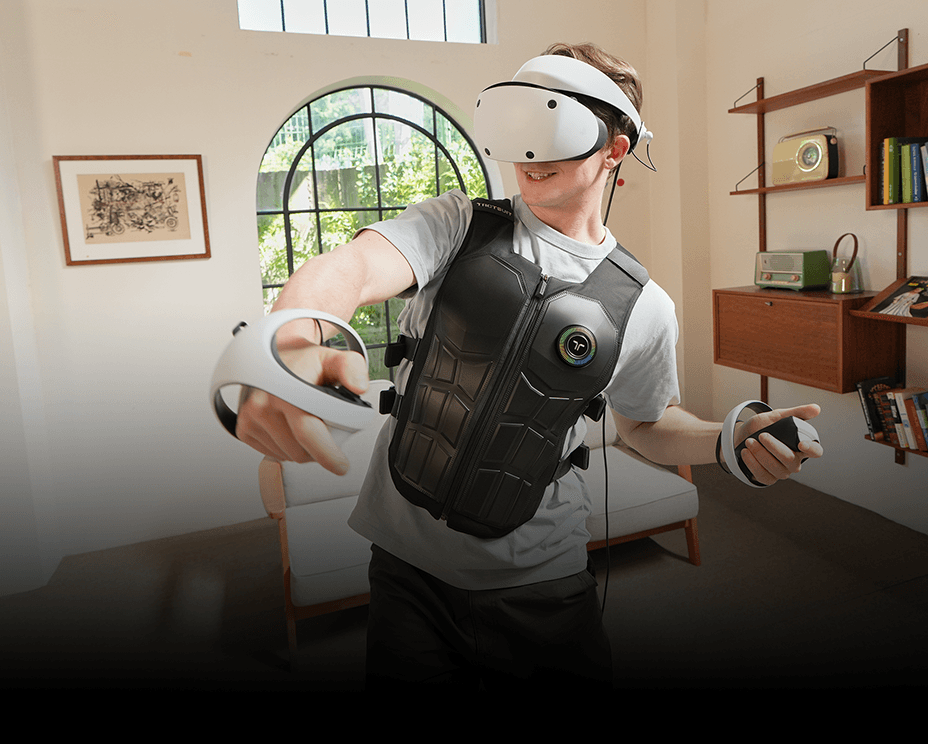
Connect and manage bHaptics devices for PS VR2 through the bHaptics Player mobile app.

Download bHaptics Player
Download the installer for your operating system.
FAQ


Have a feature in mind?